


Docs navigation
Switch
The Switch element lets you cut between multiple input sources in real time without interrupting the live stream. Use RTMP, SRT, or SRTLA inputs, or other Streamrun sources like the Video Player.
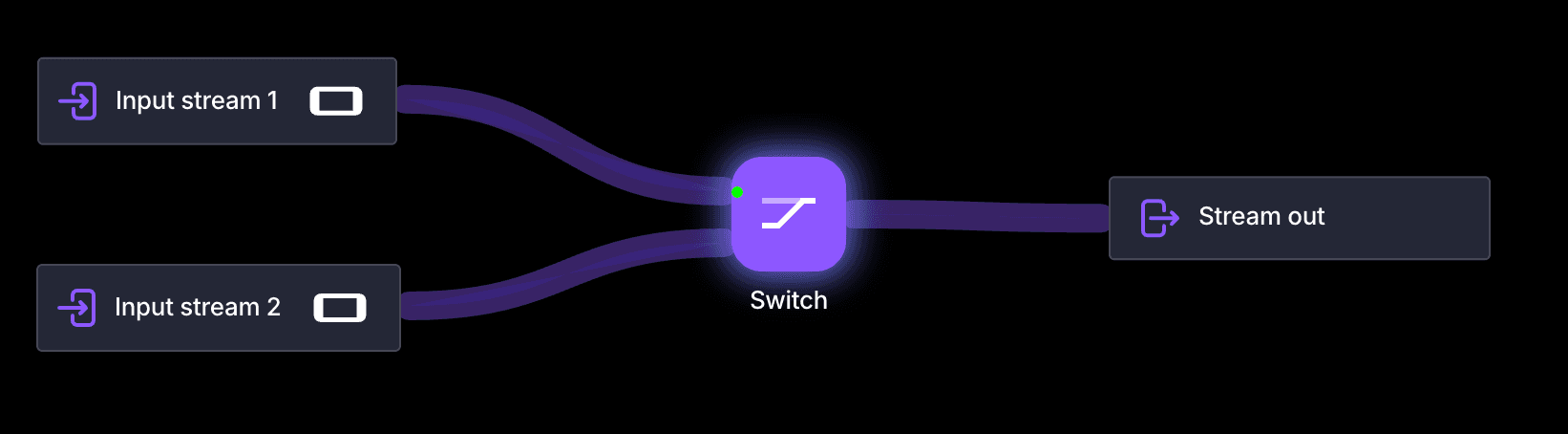
Example setups
Desktop to mobile handoff
Start streaming from OBS on your desktop, then switch to a mobile device when you go outdoors. The broadcast continues uninterrupted.
BRB video
Connect a Video Player element as one of the inputs. Switch to it during breaks to play a pre-recorded video instead of showing a static screen.
Multiple cameras
Connect up to four cameras or input sources and cut between them live, like a basic production switcher.
Device switching with Streamrun Go
Streamrun Go includes two inputs with seamless switching built in. Read more about Streamrun Go.
Settings
Number of inputs
Select how many inputs to connect: 2, 3, or 4.
Select active input
Choose which input is currently sent downstream. Can be changed at any time from the Streamrun Editor or Remote Control without interrupting the stream.
Related
Switch device while streaming
Step-by-step guide to handing off between streaming devices mid-broadcast.
Video Player
Play a pre-recorded video as one of the Switch inputs for BRB screens.
Failover
Automatically switch to a backup input when the primary source drops.
Input Stream
Configure the RTMP/SRT inputs that connect to the Switch element.
 Join Streamrun Discord