


Docs navigation
PNG Overlay
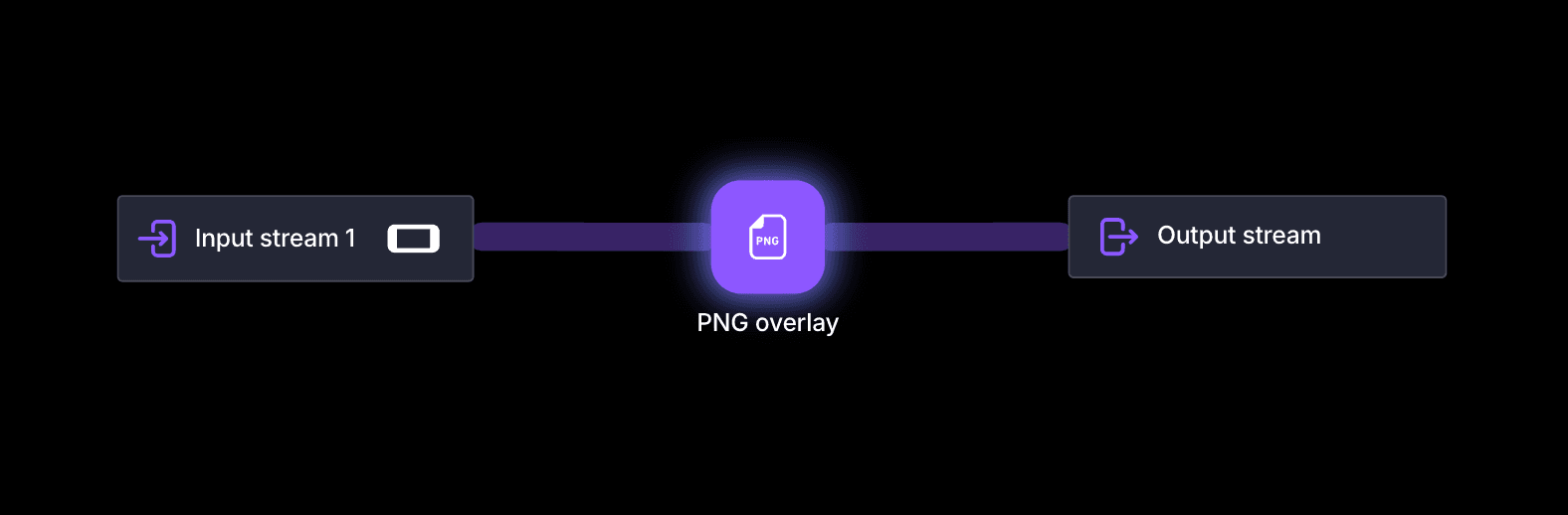
The PNG Overlay element lets you place logos, ads, or other graphics directly on top of your live video. Brand your stream, add sponsorship visuals, or display static elements that enhance your broadcast without extra software.
Settings
Image
Select the PNG image to display. Use File Manager to upload a new image.
Position
Set the position from the top-left corner. Frame sizes are 1920×1080 for horizontal and 1080×1920 for vertical streaming.
Overlay visibility
Toggle the overlay on or off while streaming. Use this to show occasional ads or temporary graphics when away from the keyboard.
 Join Streamrun Discord