


Docs navigation
Dual Format Streaming
Dual Format Streaming lets you stream in both horizontal and vertical orientations at the same time, helping you reach more viewers and deliver a better experience on every device and platform. Twitch and YouTube both support vertical video alongside traditional horizontal streams.
New to the idea? What Is Dual Format Streaming covers the formats, platforms, and tradeoffs. This page focuses on the practical ways to set it up in Streamrun.
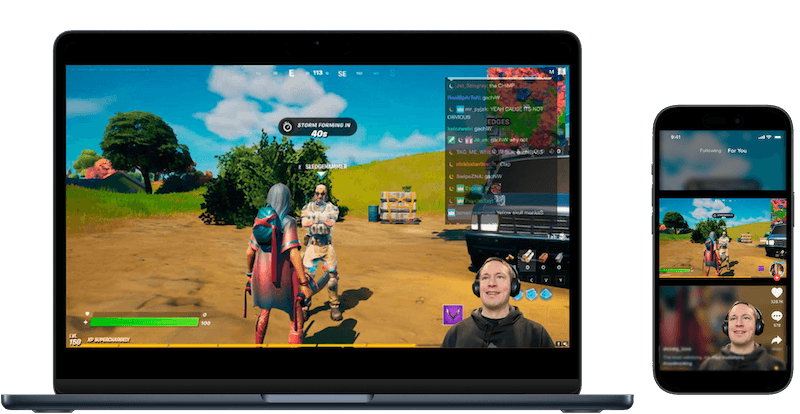
Why stream in both formats
Horizontal video works best for longer viewing sessions, while vertical video improves discoverability as new viewers scroll through feeds. By streaming in both formats, you optimize content for how viewers actually watch and ensure your stream looks great everywhere.
Platform guides
Method 1: Automatically generated vertical video
Stream horizontal video from your device and let Streamrun generate the vertical version with the Vertical Frame element. The simplest result centers the horizontal video in a 9:16 frame with a blurred background. Add a PNG overlay for extra graphics, such as a prompt to follow the horizontal stream.
Streamrun can also frame the vertical automatically instead of using a fixed center crop. AI auto-framing tracks where the subject is and pans the crop to follow them as they move, and for gaming it detects the facecam and builds a stacked layout with the game on top and the camera below. The Vertical Frame element also supports manual facecam extraction by coordinates when you want to place the crop yourself. For how automatic framing, layouts, and per-destination routing work end to end, read Automatic Vertical Framing.
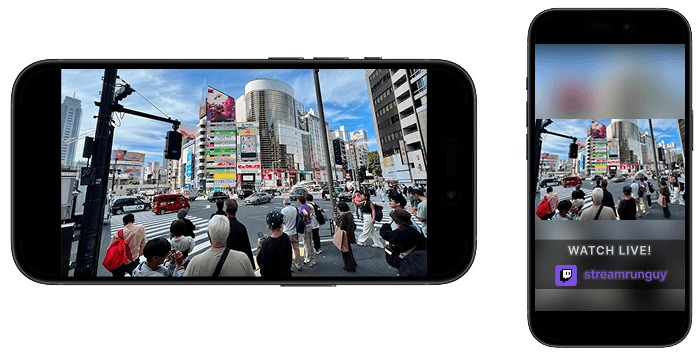
Method 2: Dual HD streaming
Use the Dual HD 2640 resolution (2640×1280), which combines Full HD for horizontal streaming and 720p portrait for vertical streaming, side by side on the same canvas. Works with any broadcasting software and simplifies layout creation for both orientations, without requiring specialized GPUs.
Streamrun automatically splits the Dual HD stream and sends the correctly oriented video to each connected output. Read more about Dual HD at dualhd.org.
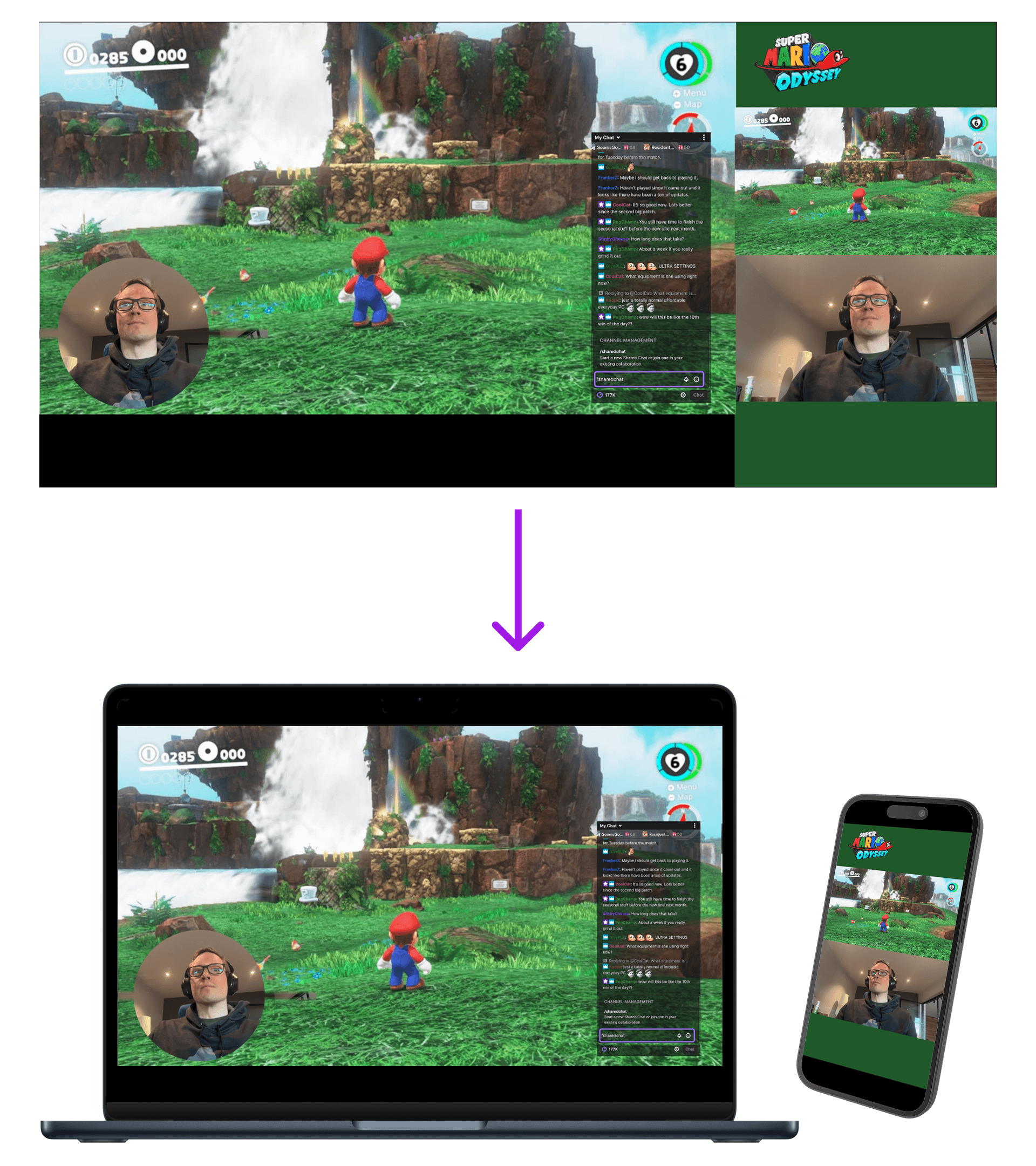
Setting up Dual HD in OBS
Adjust OBS settings
Set Video > Base (Canvas) Resolution to 2640×1280 and Video > Output (Scaled) Resolution to 2640×1280. Disable Output > Rescale output. If you lack the processing capacity or bandwidth, use Dual HD 2000 or Dual HD 1760 instead.
Download the Dual HD template
Add an Image source to your OBS canvas using the Dual HD 2640 template. Build your horizontal and vertical layouts on top of it.
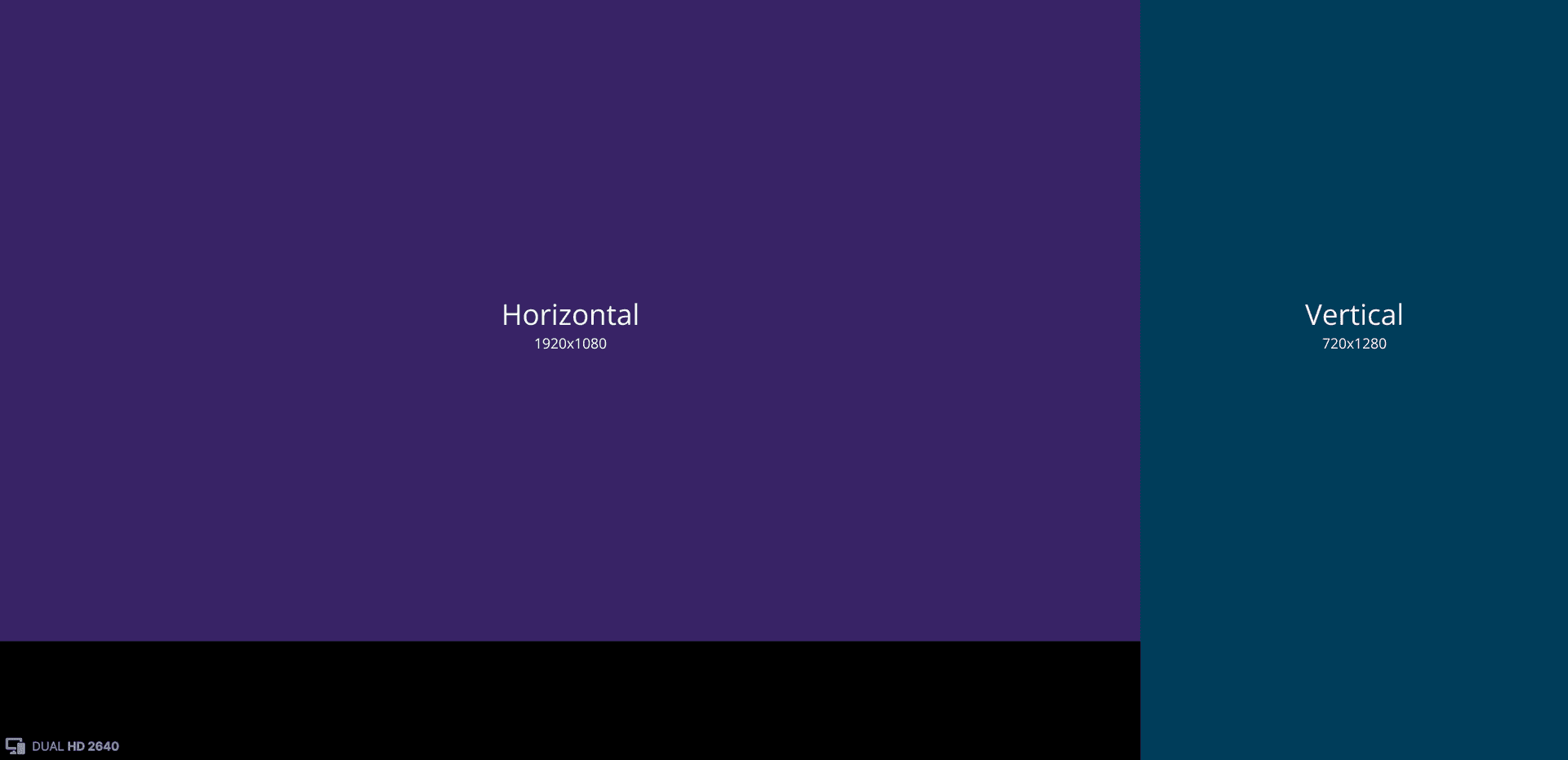
Method 3: Two Streamrun inputs
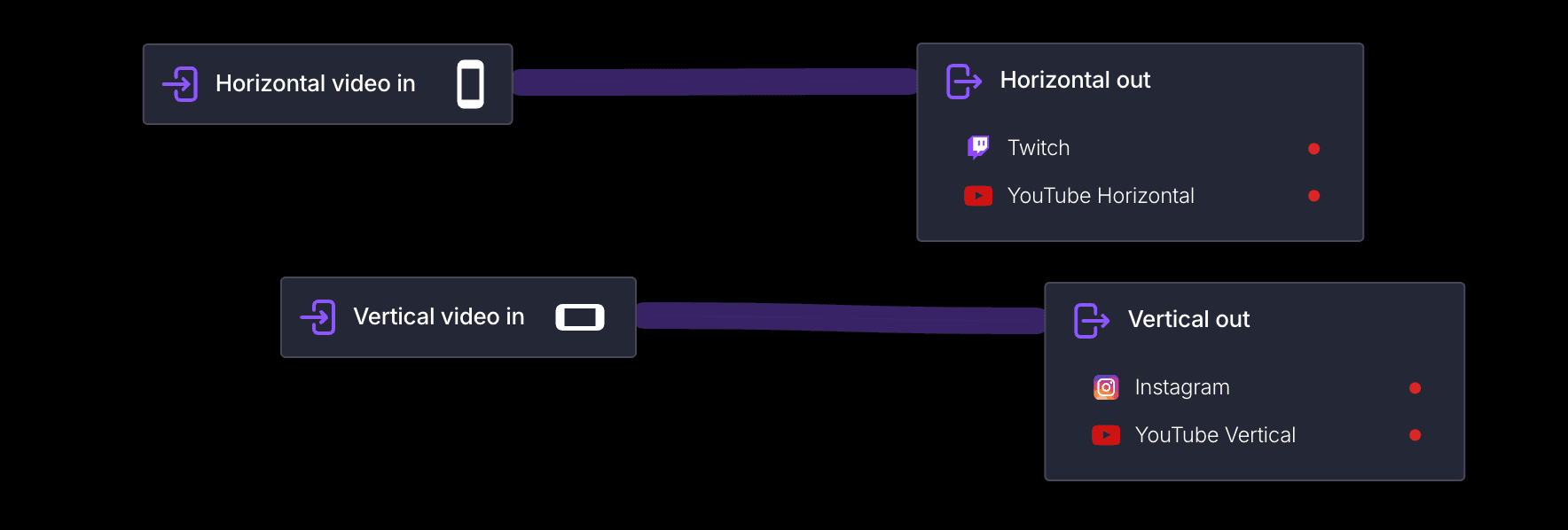
Add two Input elements to your configuration, one with type horizontal and one with type vertical. Use two streaming devices, two OBS instances, or the Aitum Vertical plugin to stream different orientations to each input. Connect outputs for horizontal and vertical multistreaming accordingly.
Related
What Is Dual Format Streaming
The concept, the platforms involved, and how the approaches compare.
Automatic Vertical Framing
See the end-to-end Streamrun workflow for automatic vertical generation and routing.
Vertical Frame
Automatically convert horizontal video to vertical format.
Twitch Dual Format
Step-by-step guide for Twitch Dual Format streaming.
YouTube Dual Stream
Step-by-step guide for YouTube dual format streaming.
 Join Streamrun Discord