


Docs navigation
IRL Streaming
Streamrun provides a reliable setup for IRL streaming as a cloud-based streaming server. You can create custom pay-as-you-go configurations tailored to your workflow, or use Streamrun Go, a flat-priced option. Both include disconnect protection, automatic failover to a video or image if the connection drops, and AI-based noise cancellation to keep audio clear during the stream.
If you want the same IRL feed to also become a vertical mobile stream, see Automatic Vertical Framing for Streamrun's live auto-framing workflow.
Disconnect protection
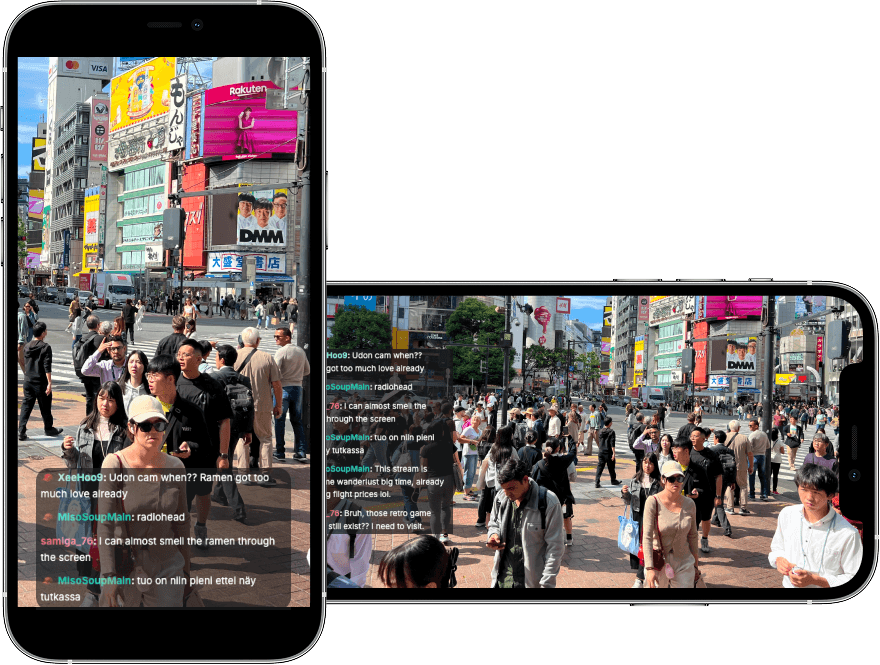
Disconnect protection is essential for IRL streamers as mobile connections are unpredictable and every disconnect can end the stream and lead to lost viewers and momentum. With disconnect protection, the stream keeps running on the server even if your device goes offline, so viewers stay connected while you are reconnecting. This means fewer lost streams, better viewer retention, and the confidence to move freely without worrying that a momentary network issue will take the stream down.
Streaming apps
Streamrun works with any streaming app that can publish RTMP or SRT. The following apps are commonly used by professional IRL streamers:
Moblin for iPhone
App Store →IRL Pro for Android
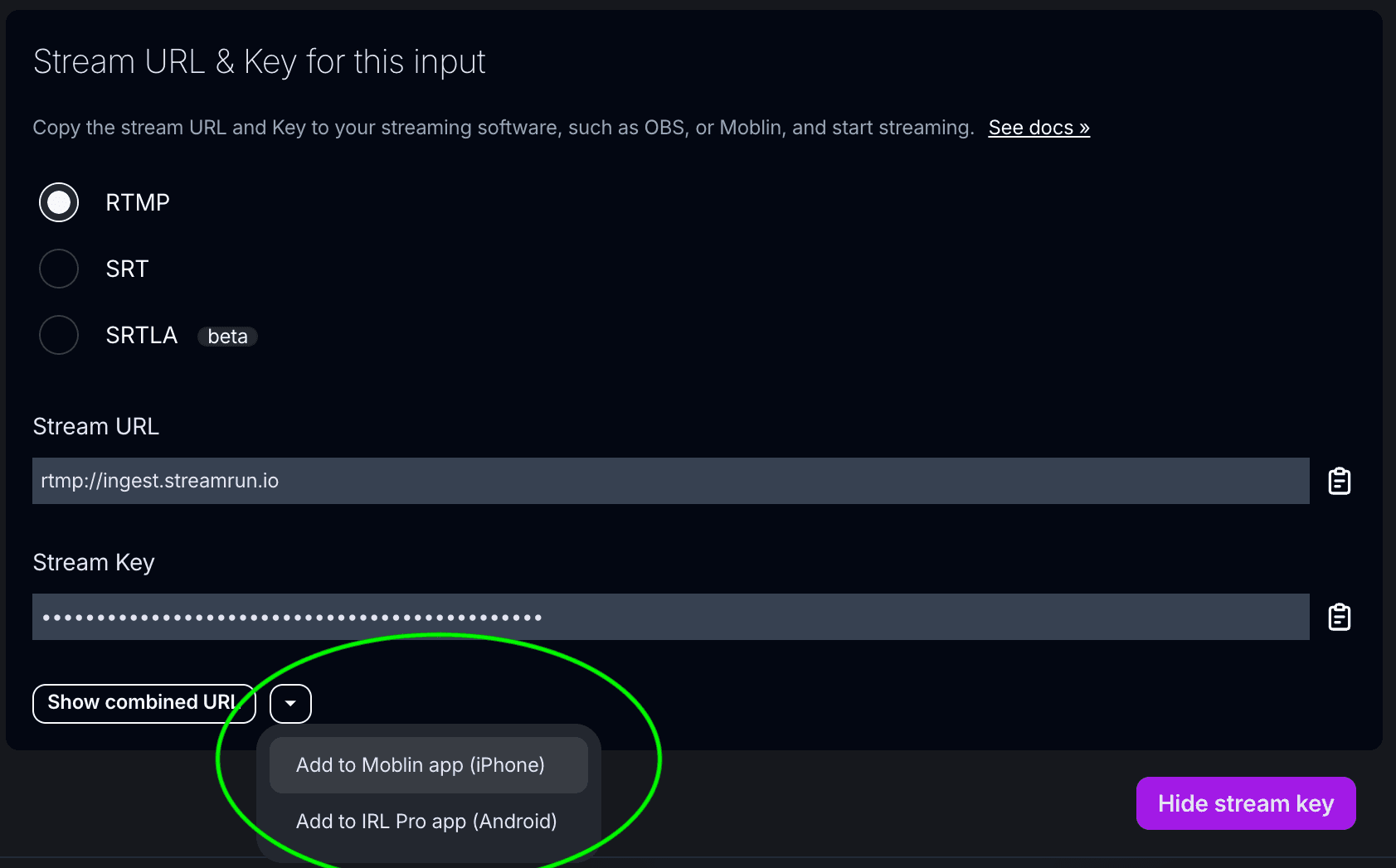
Play Store →In Moblin and IRL Pro, you can insert the Stream URL and Stream Key automatically by tapping the small triangle in Streamrun's “Stream URL & Key” dialog. In other apps, the URL and key must be copied and pasted manually.
Which streaming protocol to choose
Streamrun supports RTMP, SRT, and SRTLA protocols, each suited for different scenarios.
The simplest option and works with almost all streaming apps, but is sensitive to packet loss and unstable mobile networks, making it less reliable for IRL use.
Designed for unreliable networks and handles packet loss and jitter much better than RTMP. A good default choice for mobile streaming when supported by the app.
An extension of SRT optimized for unstable connections. Supports sending traffic over multiple bonded networks, which improves reliability at the cost of higher latency and complexity. Best suited for technically experienced users. The maximum supported SRTLA latency in Streamrun is 4000 ms.
Codecs and bitrates
For IRL streaming, network stability matters more than raw video quality, so prefer lower bitrates if they improve reliability. Use the HEVC (H.265) video codec, as it delivers similar visual quality to H.264 at significantly lower bitrates, which helps on mobile networks.
As a rule of thumb, set your video bitrate to a maximum of 70% of your upload bandwidth, as tested with a service like speedtest.net. Mobile upload speeds fluctuate constantly, and using the full measured bandwidth leads to packet loss and disconnects.
Rough guidelines for resolution and frame rate at different bitrates:
These guidelines assume a stable connection. On highly variable mobile networks, using a lower bitrate with reduced resolution and frame rate often results in a more reliable stream.
Step-by-step: start IRL streaming
Sign up to Streamrun
For the easiest setup, sign up with Twitch or Kick so your stream key is fetched automatically. New users get a 14-day free trial with up to 2 hours of daily streaming.
Install Moblin or IRL Pro
These apps run on your phone and use your phone's camera to stream to the Streamrun server. Streamrun adds features like disconnect protection to your stream and forwards it to your selected destinations.
Open your Streamrun Go control page
Go to control page →Add the Stream URL and Stream Key
In Moblin or IRL Pro, tap the small triangle in the "Stream URL & Key" dialog to import settings automatically. Use Input 1 if you have only one streaming device.
Enable your output destinations
At the bottom of the control page, enable the platforms you want to stream to. If you didn't sign up with Twitch or Kick, link them using stream keys provided by each platform.
Click Go Live
Start streaming with built-in disconnect protection, automatic failover, and noise cancellation.
Related
IRL Streaming: Workflows and Reliability
How phone, camera, and backpack workflows handle mobile connection drops.
Disconnect Protection
How Streamrun keeps your stream live even when your device loses connection.
Failover
Automatically switch to fallback video files or an image when the input stream drops.
RTMP vs SRT
Full comparison of RTMP and SRT for live streaming, including when to use each protocol.
 Join Streamrun Discord