


Docs navigation
HTML Overlay
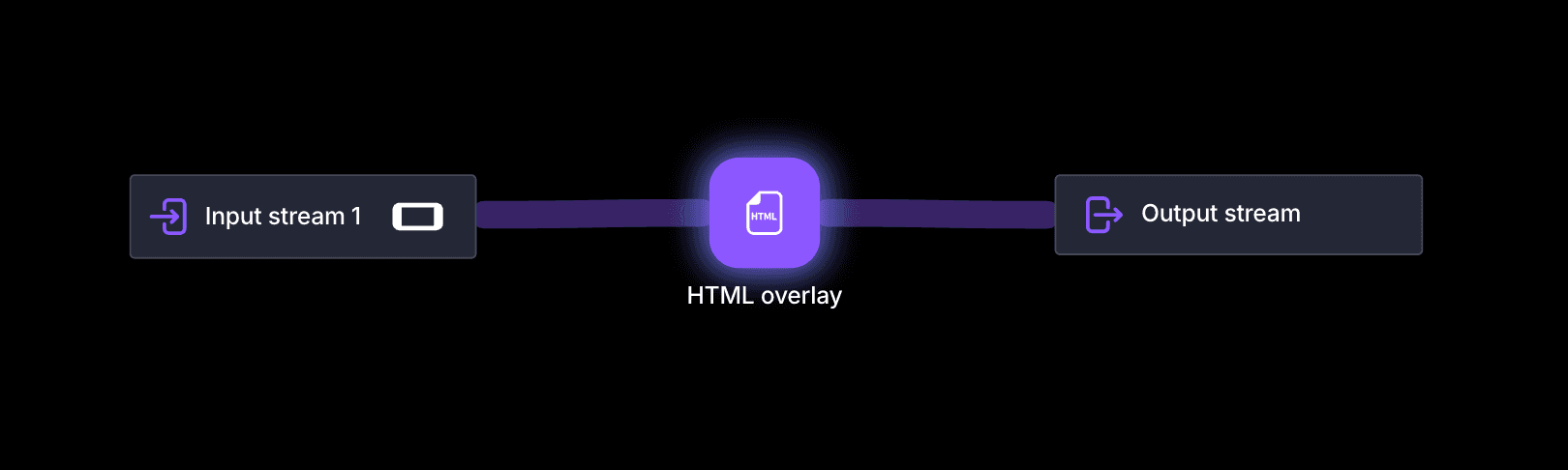
The HTML Overlay element renders a live website directly on top of your video stream. Use it to add dynamic content such as animations, widgets, motion graphics, chat overlays, or sports scoreboards to your broadcast.
How it works
Set the HTML body's background color to transparent and the overlay blends seamlessly with your stream, letting the video remain visible behind the web content. Any URL-accessible website or local overlay tool can be loaded as long as it renders correctly in a headless browser environment.
Custom CSS
The Custom CSS field under Advanced settings injects your own stylesheet into the page the overlay loads. It is the way to adapt a page you do not control, for example a chat widget or an alert service, without hosting your own copy of it.
Common uses are making the page background transparent, hiding a header, footer, or scrollbar that the overlay does not need, and changing fonts, colors, or sizes so the overlay matches the rest of your stream.
body { background: transparent; }
.header, .footer { display: none; }
.message { font-size: 26px; color: #fff; }
The rules apply to the page loaded from the Overlay URL, so the selectors depend on that page's markup. Add !important when the page's own styles win over yours.
Settings
Overlay URL
Website URL to load in the overlay browser.
Fullscreen
Fill the full stream frame. Disable to use custom size and position settings instead.
Size and position
Adjust the browser window size and position from the top-left corner. Default frame sizes are 1920×1080 for horizontal and 1080×1920 for vertical streaming.
Zoom
Adjust the zoom level of the overlay (in percent, e.g. 100 = no change, 50 = half size, 200 = double size). Accepted values are between 25 and 300.
Overlay visibility
Toggle the overlay on or off while streaming. Use this to show occasional ads or temporary graphics when away from the keyboard.
Overlay audio
Mute or unmute audio from the HTML overlay.
Advanced settings
Rendering delay
Delay HTML rendering to sync with video latency (in milliseconds, e.g. 1000 = 1 second, max 6000). Useful for sports streaming where score updates in a scoreboard overlay would otherwise appear before the goal is visible on stream due to encoding latency.
Audio gain
Amplification of the audio signal in percent. 100 = no change, 50 = half volume, 200 = double volume.
Custom CSS
CSS injected into the overlay page after it loads. Use it to hide parts of the page, make the background transparent, or restyle fonts, colors, and layout without hosting your own copy of the page.
 Join Streamrun Discord