


Docs navigation
Output Destinations
Output Destinations are the platforms where your stream is broadcast: Twitch, YouTube, Kick, or any custom RTMP or SRT server. Each destination can be managed independently, so you can go live on multiple platforms at once or take individual platforms on and off during your stream.
If you are setting up several platforms and want to reduce lag, read Multistreaming.
How to set up destinations
Add destinations in the dashboard
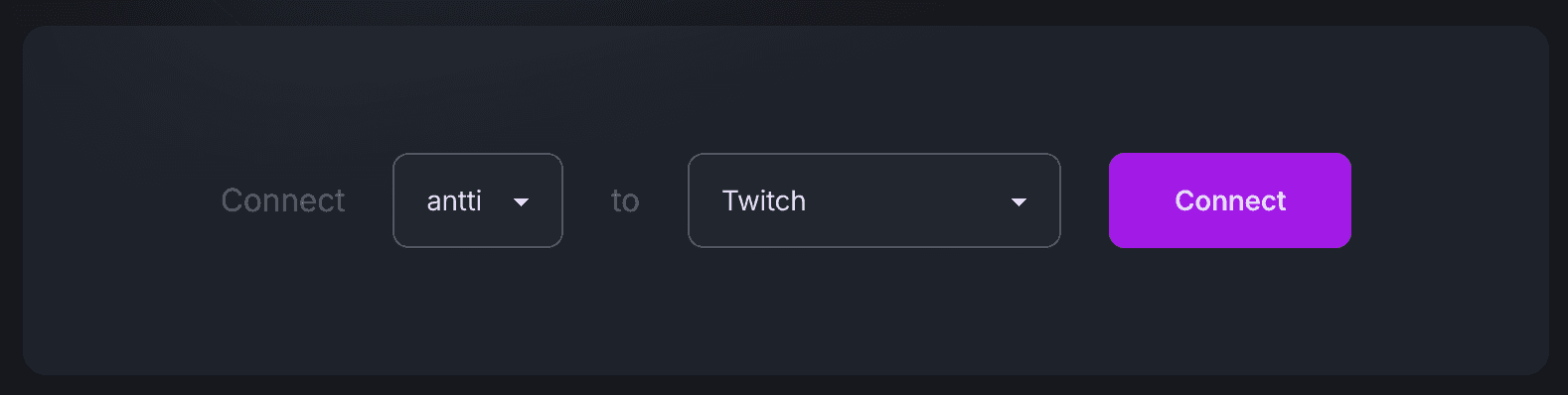
Go to the Output destinations page in your dashboard. Connect platforms like Twitch, YouTube, or Kick by signing in, or add any platform manually using its RTMP server URL and stream key.
Open Output destinations →Add an Output Stream element
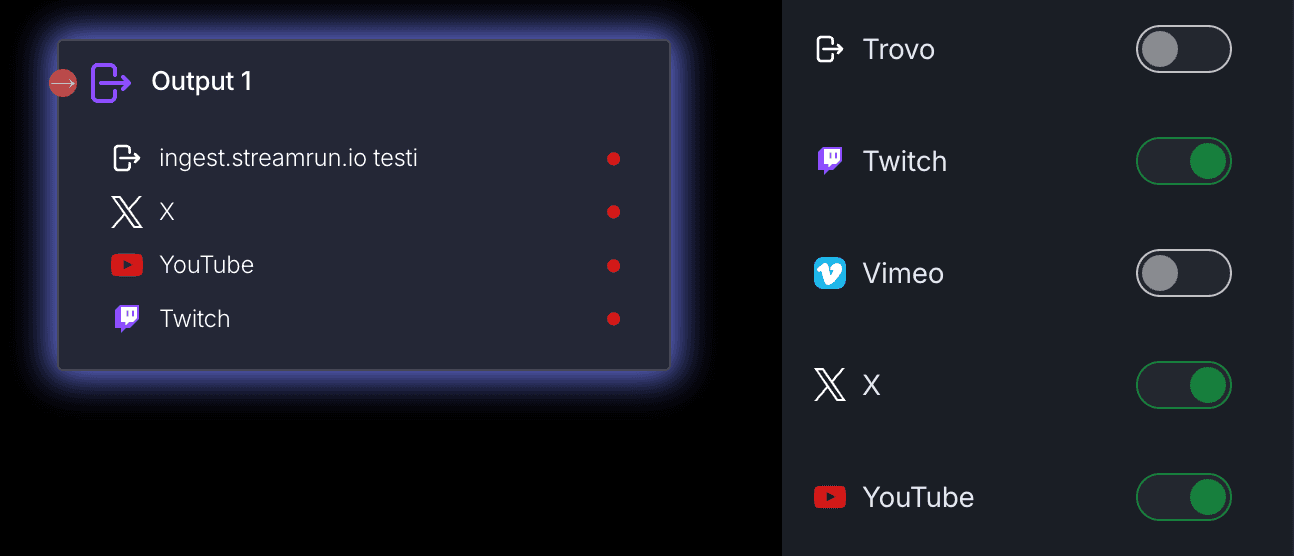
In the Streamrun Editor, drag an Output Stream element onto the canvas and connect it to your source. Open the element settings to enable the destinations you want to stream to.
Output Stream element docs →Toggle destinations live
Once your configuration is running, you can take individual destinations live or offline at any time from the Remote Control or directly in the editor. No need to restart the stream.
Remote Control docs →Per-destination toggles
Each Output Stream element shows all your configured destinations as toggles. Enable or disable individual platforms independently. You can also apply different encoding settings per output element when using a Splitter to fan out from one source.
Supported platforms
Pre-defined destinations include the most common streaming platforms. Any platform that accepts RTMP or SRT can be added as a custom destination.
Twitch
Sign in with Twitch for automatic stream key import.
YouTube
Sign in with Google for automatic stream key import.
Kick
Sign in with Kick for automatic stream key import.
Enter your stream key manually.
X (Twitter)
Enter your stream key manually.
Enter your stream key manually.
Vimeo
Enter your stream key manually.
Custom RTMP
Any platform or server that accepts an RTMP stream.
Custom SRT
Any platform or server that accepts an SRT stream.
Custom SRT destinations
When using SRT as a custom destination, set the latency in the URL using the latency parameter. The value is in microseconds.
In this example, latency is set to 200,000 microseconds (200 ms). Adjust the value to match your network conditions. Higher latency improves reliability on unstable links at the cost of increased end-to-end delay.
Related
Output Stream element
Configure encoding, destinations, and per-destination settings.
Multistreaming
Use one upload and cloud fan-out to reduce encoder and network bottlenecks.
Remote Control
Toggle individual destinations live or offline from your phone while streaming.
All elements
Overview of every element available in Streamrun.
 Join Streamrun Discord