


Docs navigation
Upload and Stream
Upload video files to Streamrun and stream them as part of your live broadcast. Streamrun ensures smooth, high-quality playback without relying on your local internet connection, and gives you full control over when and how your videos play.
Use cases
Getting started
Upload your MP4 or MOV file to Streamrun using the File Manager.
Add output destinations such as Twitch, YouTube, or Kick.
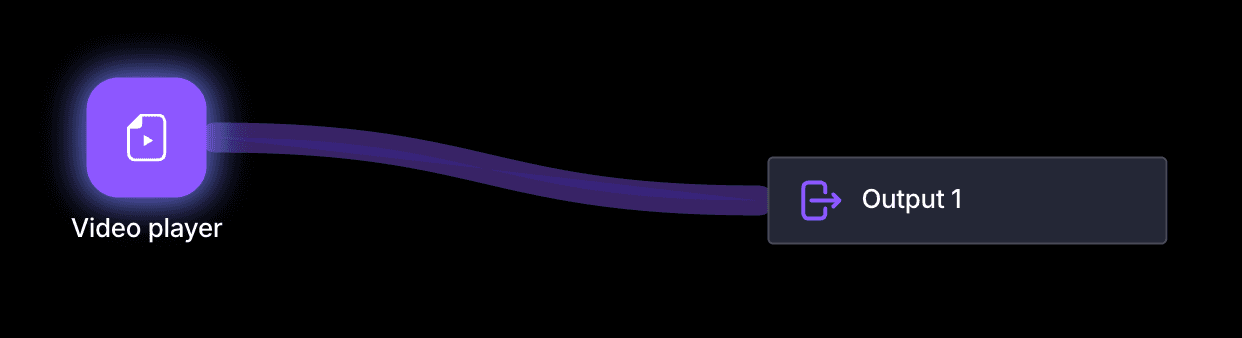
Add a Video Player element to your configuration and select your uploaded file.
Use Play, Pause, and Stop controls to manage playback from the editor or Remote Control.
Limits
Stream duration
Unlimited.
Video file size
Unlimited, but uploading files larger than 5 GB may not work on all devices. Contact us if you need help with large files.
Looping
Unlimited via the Video Player loop setting.
Storage
1 GB included for free. See the pricing page for additional storage add-ons.
 Join Streamrun Discord